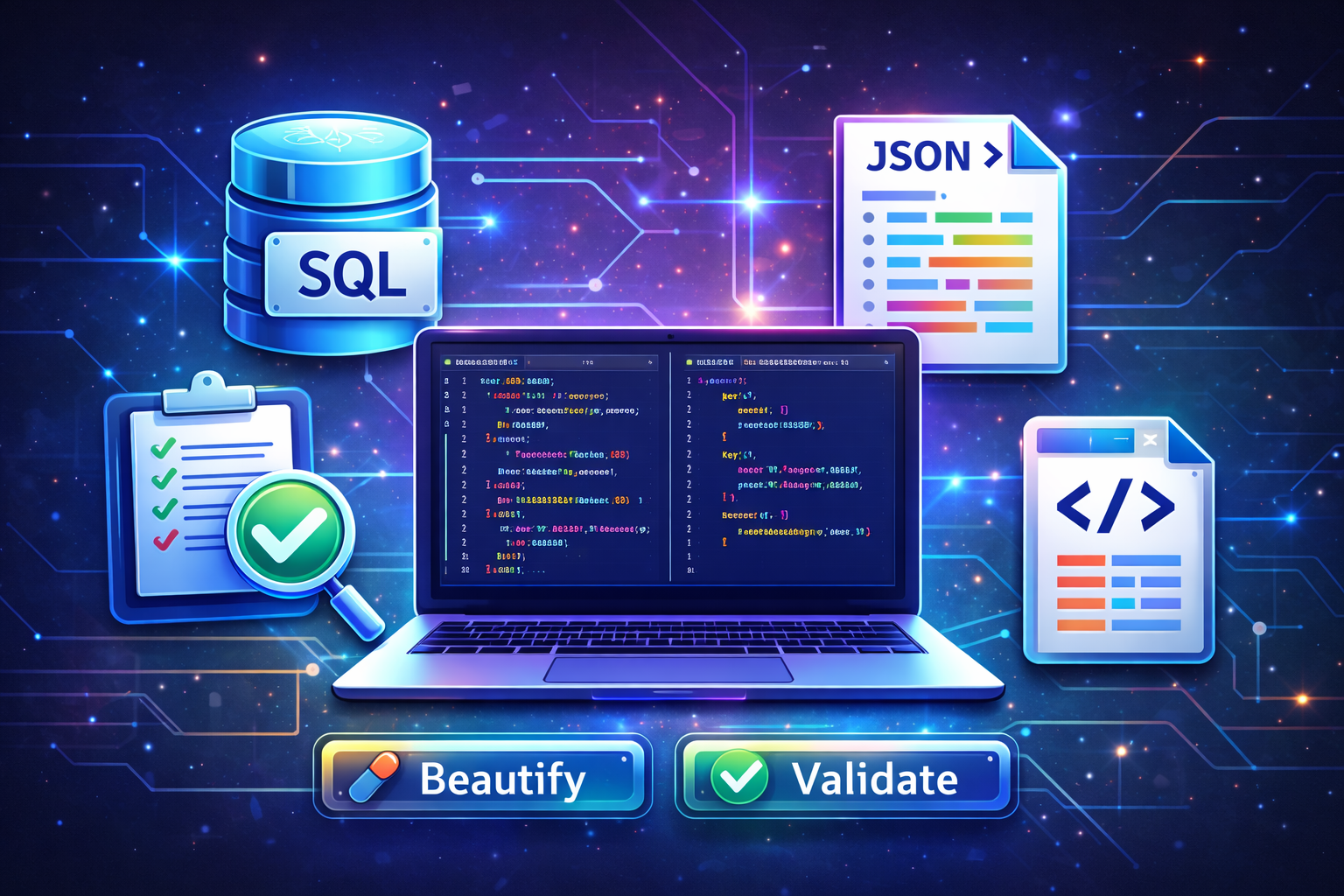
SQL & JSON Formatter Online – Beautify, Validate & Debug Data Efficiently
SQL & JSON Formatter Online – Beautify, Validate & Debug Data Efficiently
Clean structure is one of the most underrated advantages in software development. Many bugs are not caused by complex algorithms, but by poorly formatted queries and malformed data structures. When SQL queries are cluttered and JSON responses are unreadable, debugging becomes slower and collaboration becomes harder.
This guide is part of our main developer tools cluster: Complete Developer & Data Formatter Tools Guide
Why SQL Formatting Matters
In real-world projects, SQL queries rarely stay simple. As applications scale, queries include joins, nested selects, conditional filters, aggregations, and indexing logic.
Using a structured formatter helps you:
- Standardize indentation
- Separate logical query blocks
- Improve readability during reviews
- Reduce logical errors
You can instantly format queries using: SQL Formatter Online Tool
Common SQL Problems Developers Face
- Unreadable nested subqueries
- Improper JOIN formatting
- Misplaced WHERE clauses
- Difficulty reviewing long SELECT statements
Readable SQL makes optimization easier because performance bottlenecks become visible.
JSON Formatting & Validation for API Stability
JSON is the backbone of modern APIs. A single missing bracket can break frontend rendering or mobile application communication.
Validate and beautify JSON here: JSON Formatter & Validator
Why Validation Is Critical
- Prevent API crashes
- Detect syntax errors instantly
- Improve debugging speed
- Ensure proper nesting
When debugging API responses, formatted JSON allows you to visually inspect structure instead of scanning a compressed one-line string.
Real Development Workflow Example
- Run SQL query → Format for readability
- Return API JSON → Validate structure
- Authenticate request → Decode token using JWT Decoder Tool
- Validate input pattern → Test using Regex Tester
This interconnected workflow shows how formatting tools integrate seamlessly with other utilities.
Cross Tool Integration
Often JSON contains encoded values. You may need to decode Base64 data using: Base64 Encode & Decode Tool
If database entries require unique identifiers, generate them safely via: UUID Generator
Automation tasks using query results? Build a schedule with: Cron Job Generator
Best Practices
- Always validate JSON before deploying API changes
- Keep SQL structured consistently across teams
- Avoid manual formatting in production debugging
- Use secure tools when handling sensitive data
Conclusion
SQL and JSON formatting are not cosmetic improvements. They are productivity accelerators. Clean structure improves debugging speed, reduces errors, and strengthens collaboration.
Return to the full ecosystem guide here: Developer Tools Cluster Guide
Popular Posts





Popular Tools