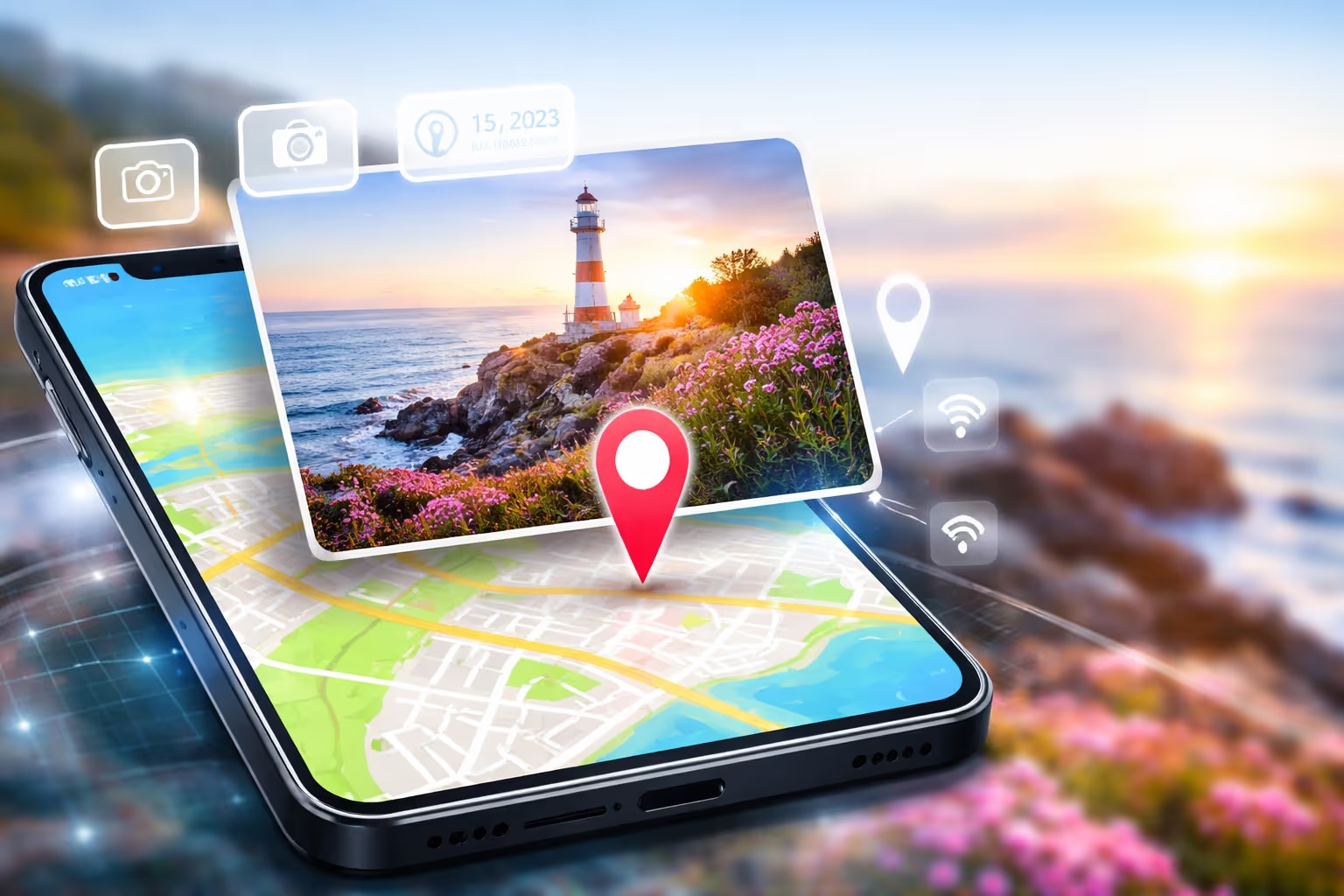
Photo Location Tracker: How to Find GPS Location from Images Safely and Accurately
Photo Location Tracker: The Complete Guide to Finding GPS Location from Images
In today’s digital world, almost every photo you take with a smartphone contains more than just pixels. Hidden inside many images is powerful metadata — including GPS coordinates. This is where a Photo Location Tracker becomes incredibly useful.
Whether you are a digital investigator, journalist, traveler, parent, real estate agent, or simply someone curious about where a photo was taken, understanding how location tracking works can save time and provide clarity.
This comprehensive guide will explain how photo tracking works, how to extract GPS data, how to protect your own privacy, and how to use online tools responsibly.
What Is a Photo Location Tracker?
A Photo Location Tracker is a tool that extracts embedded GPS metadata from an image file. Most modern smartphones automatically store location coordinates inside the image EXIF data when location services are enabled.
This data may include:
- Latitude and Longitude
- Date and Time
- Device Model
- Camera Settings
- Altitude
With the correct tool, those coordinates can be converted into a readable map location.
How Does GPS Metadata Get Inside a Photo?
When you take a photo with location services turned on, your phone connects to satellites and determines your coordinates. Those coordinates are saved inside the image file as EXIF metadata.
This process happens automatically unless you disable location tagging.
Why People Use Photo Location Tracking
- Verify where an image was taken
- Recover travel memories
- Detect fake listings or scams
- Digital forensics investigation
- Parental safety monitoring
- Journalism and fact-checking
How to Extract GPS Location from a Photo
You can extract location data using an online metadata viewer. Upload the image, and the tool reads the embedded EXIF information.
If GPS data exists, the tracker converts latitude and longitude into a clickable map location.
For detailed metadata analysis, read also:
- How to Extract GPS Data from a Photo
- Complete EXIF Data Viewer Guide
- How to Remove Location Data from Photos
- Is Photo Location Tracking Legal?
- Photo Metadata Privacy Tips
Privacy Risks You Should Know
Sharing photos publicly without removing GPS data may reveal:
- Your home address
- Your children’s school
- Your travel patterns
- Your workplace location
This is why professionals always recommend removing metadata before posting online.
How to Disable Location Tagging on iPhone and Android
On iPhone:
- Go to Settings → Privacy → Location Services
- Select Camera
- Set to "Never"
On Android:
- Open Camera App
- Go to Settings
- Disable "Save Location"
Who Should Use a Photo Location Tracker?
✔ Digital marketers verifying UGC content
✔ Real estate agents checking listing authenticity
✔ Journalists verifying news images
✔ Travelers organizing photo libraries
✔ Parents ensuring child safety
Best Practices for Safe Usage
- Only track images you own or have permission to analyze
- Never use tracking for harassment
- Respect privacy laws
- Use secure and encrypted tools
Final Thoughts
A Photo Location Tracker is a powerful digital tool that helps uncover hidden geographic data inside images. Used responsibly, it supports transparency, security, and digital awareness.
Understanding how metadata works is no longer optional in a world where every image tells a deeper story.
Always track responsibly. Always protect your privacy.
Popular Posts





Popular Tools